
Emulation Ninja is like mission control for your personal gaming collection
We'll organize your games in a beautiful & intuitive interface, so that you can spend less time downloading assets and more time playing games!
All streamed from the cloud — no downloads needed. More content added regularly.
How it Works
Download
Download the Emulation Ninja desktop app, the brain that acts as a server and organizes all your games.
Add Your Games
Simply point to your games — our AI will scan and organize them into a clean, intuitive interface.
Play
Enjoy your games on Windows, Linux, and Mac — or play instantly in your browser with our web app.
See it in Action
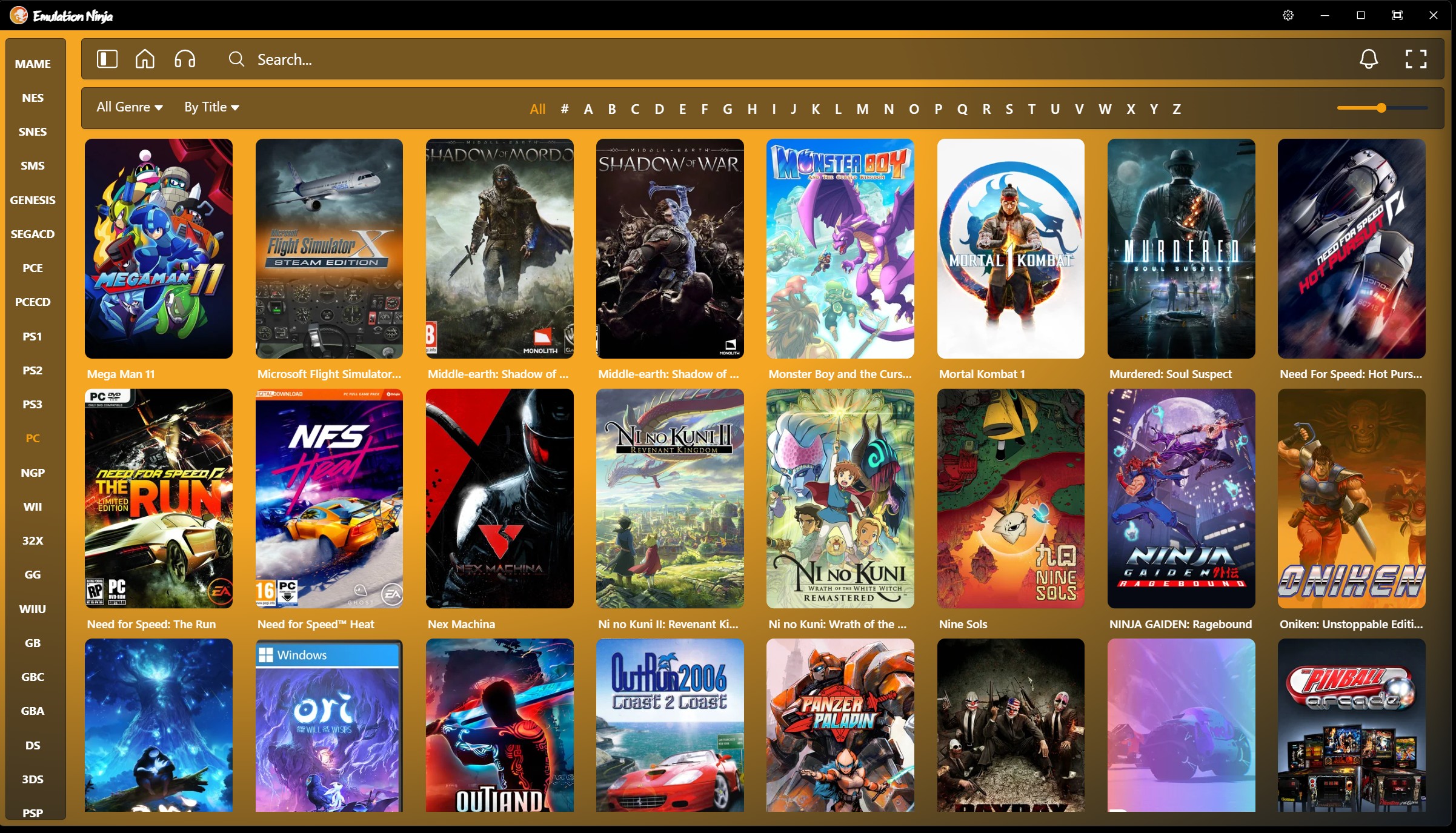
Your entire game library, unified
Our smart game scanner discovers Steam, non-Steam titles alike, organizing everything into a sleek library.
- Automatic game detection
- Filter by genre and browse alphabetically
- Rich box art and cover images for every title
- Fast and lightweight performance
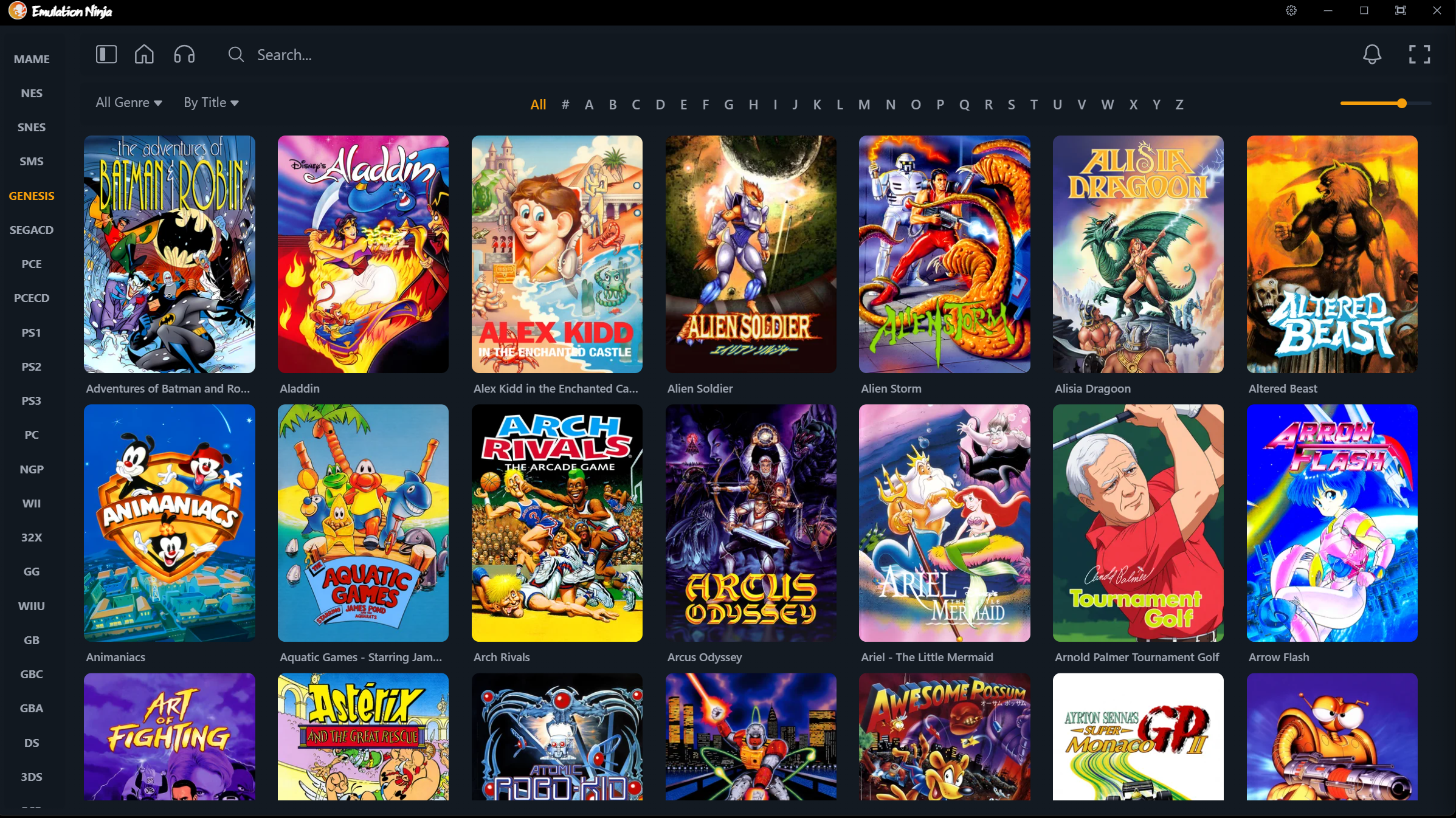
AI-generated assets you won't find anywhere else
Missing cover art or metadata? Emulation Ninja uses AI to generate high-quality box art, screenshots, and descriptions for games that lack them—including obscure titles and fan translations. Content you simply won't find anywhere else.
- AI-generated cover art for games with missing assets
- Descriptions and metadata for obscure and lesser-known titles
- Exclusive to Emulation Ninja—not available elsewhere
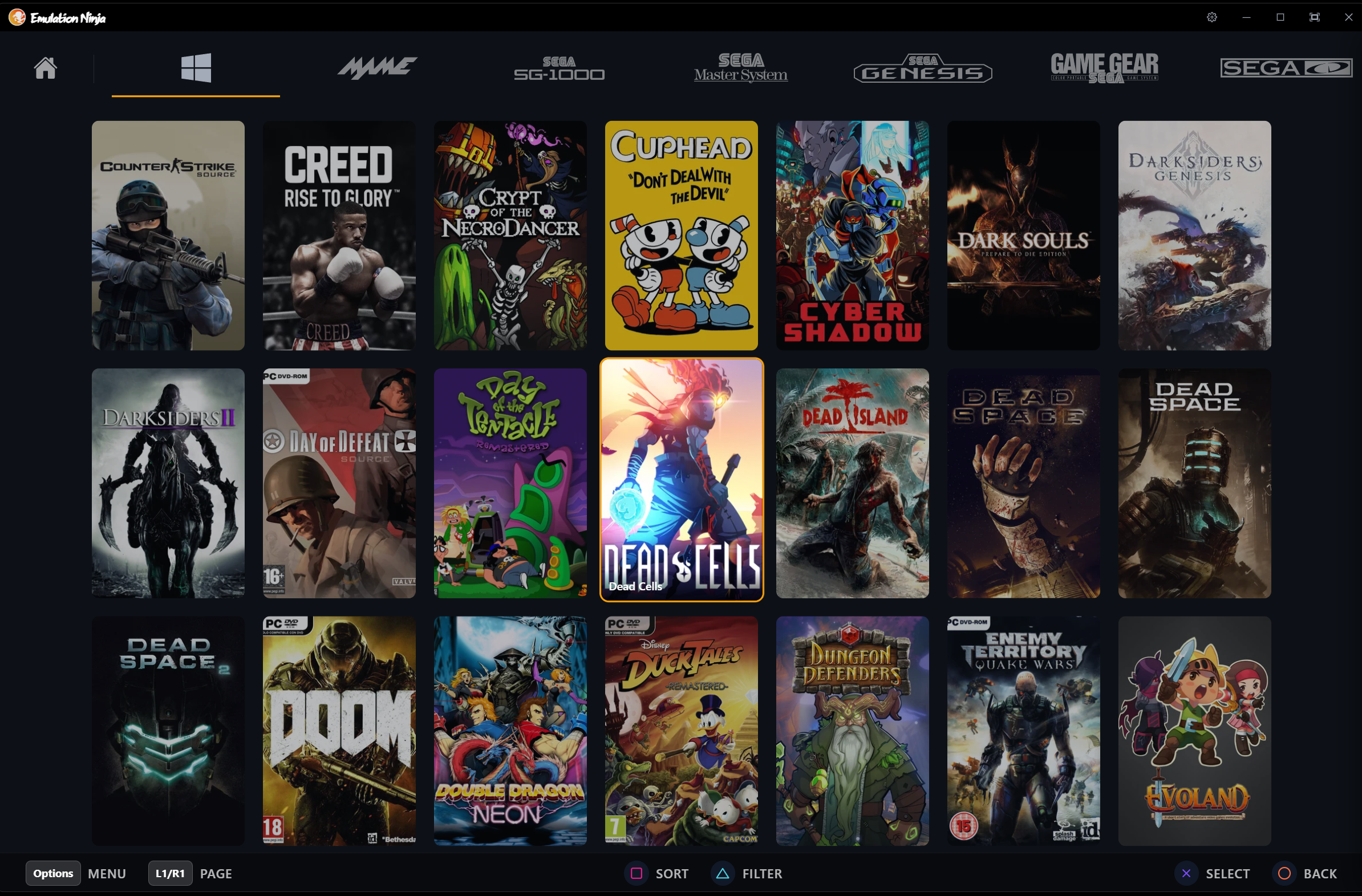
Big Picture Mode for couch gaming
Connect your PC to the TV and browse your entire library from the couch. Full controller support—navigate, search, and launch games without touching the mouse or keyboard. Rich game details, screenshots, and "You Might Also Like" recommendations, all optimized for the big screen.
- Full controller navigation—no mouse or keyboard needed
- Game grid and detail views designed for TV distance
- Works with Steam, emulators, and all your PC games
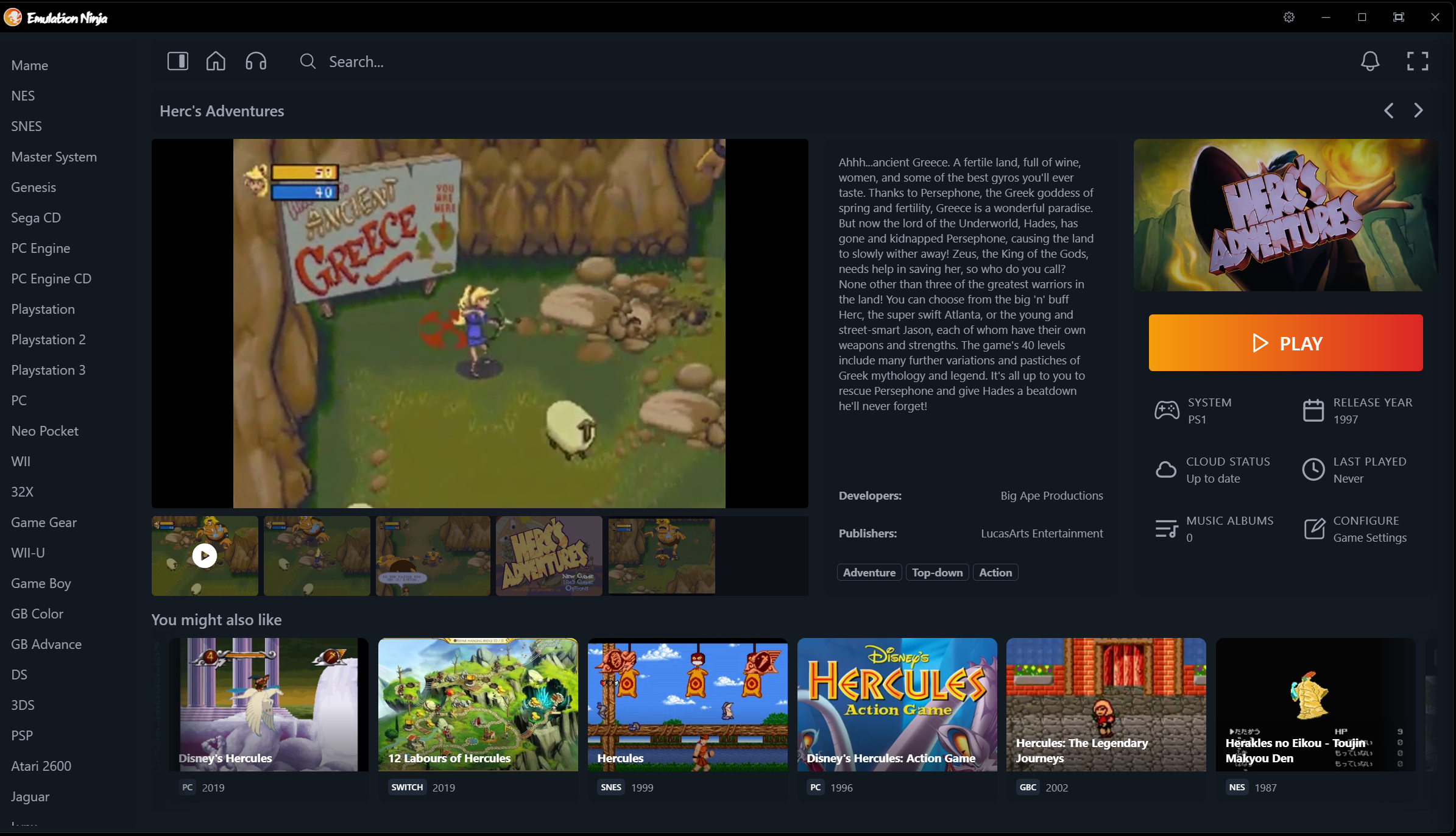
Every game tells a story
Dive into rich game pages with in-game screenshots, video previews, and developer info. AI-powered "You might also like" suggestions surface hidden gems. Plus a built-in music player streams game soundtracks—167,000+ tracks from retro classics to modern hits.
- In-game screenshots and video previews
- AI recommendations: discover similar games you might love
- Built-in music player with full game soundtracks
- Developer, publisher, and release info
All emulators, full control
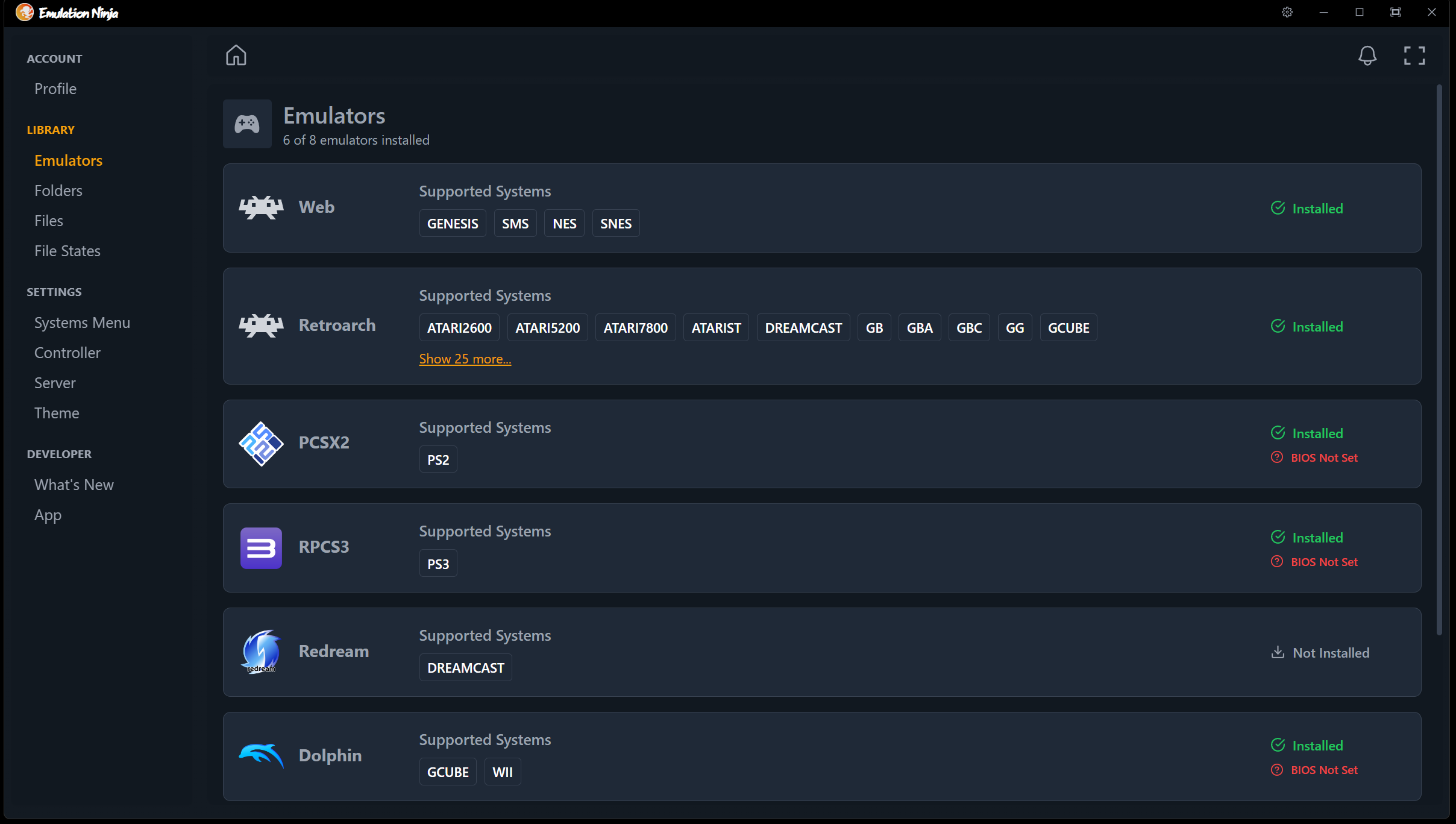
No more juggling separate emulator apps. Emulation Ninja manages all your emulators from one place—built-in installer, config dashboard, and core manager. One-click install and updates, automatic BIOS detection, and tweak settings without hunting down config files.
- One-click emulator install and updates
- Automatic BIOS detection and status
- Supports 30+ gaming systems
- Core installer for RetroArch and multi-core emulators
- Controller configuration with vibration support
And much more
Ready to play?
- A lot of hard work and love went into this app. We hope you enjoy it!
- Windows and Mac users will see a warning during installation but the program is 100% safe to install.
- If you are interested in contributing to the project, please discuss on the Discord channel.
- If you have an older version installed you'll need to install the new version and signup again.